Restaurant POS features and screens

A look at the billing screens your staff will use every day.

Request a Callback WhatsApp
Restaurant POS features and screens

One billing screen for every way you serve

Each order type has its own screen, so staff only see the buttons they need. Here is how the software looks in daily use.

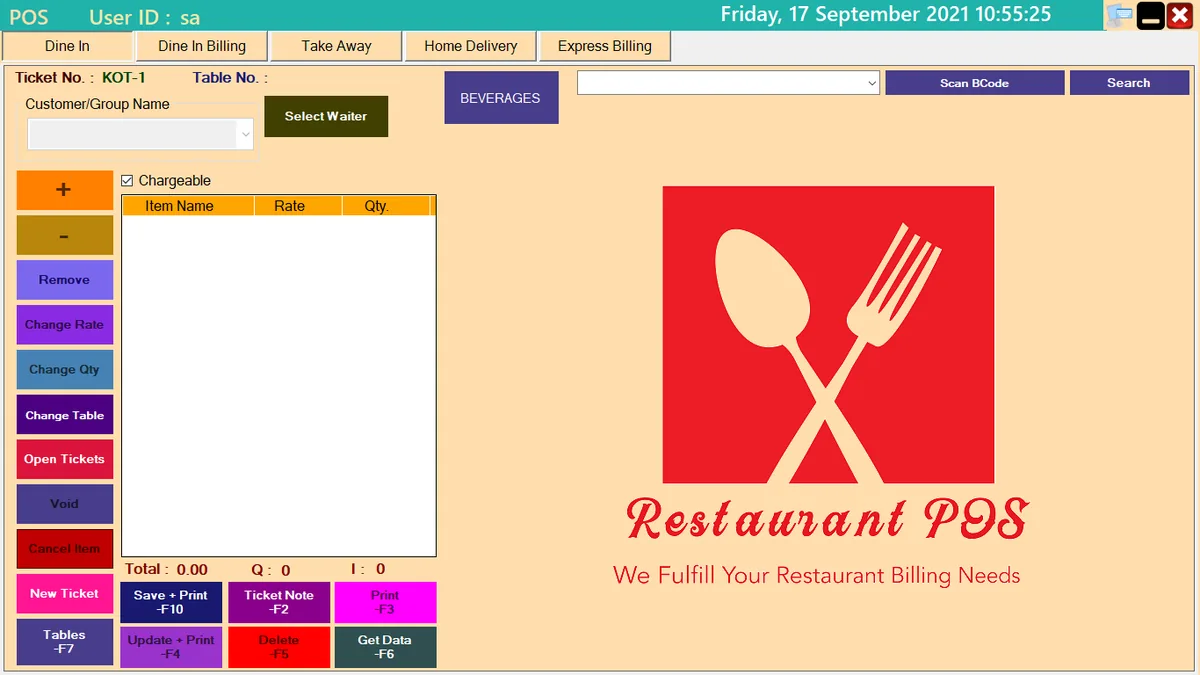
Restaurant POS dine-in screen for taking table orders and sending KOT

Dine In: take orders and send KOT

Waiters or cashiers open a ticket for a table, add items and send the Kitchen Order Ticket to the kitchen.

  • Table number, customer or group name and waiter on every ticket
  • Change table, open tickets, void a ticket or cancel a single item
  • Ticket note for special instructions
  • Save and print, or update and print, with function-key shortcuts
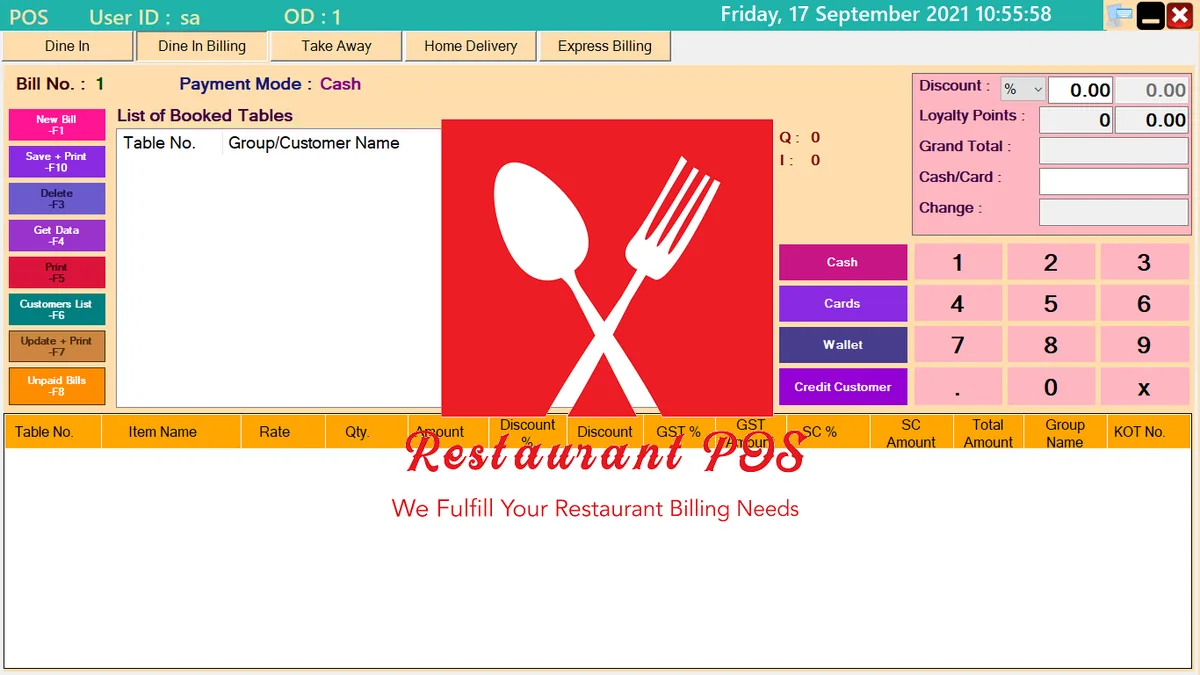
Dine-in billing screen listing booked tables with GST and service charge

Dine-In Billing: settle booked tables

Pick a booked table and the bill is built from its KOTs, with each line showing its KOT number.

  • GST and service charge shown per line
  • Discount in percent or amount, and loyalty points
  • Pay by cash, card, wallet or credit customer
  • Unpaid bills list, so no table is forgotten
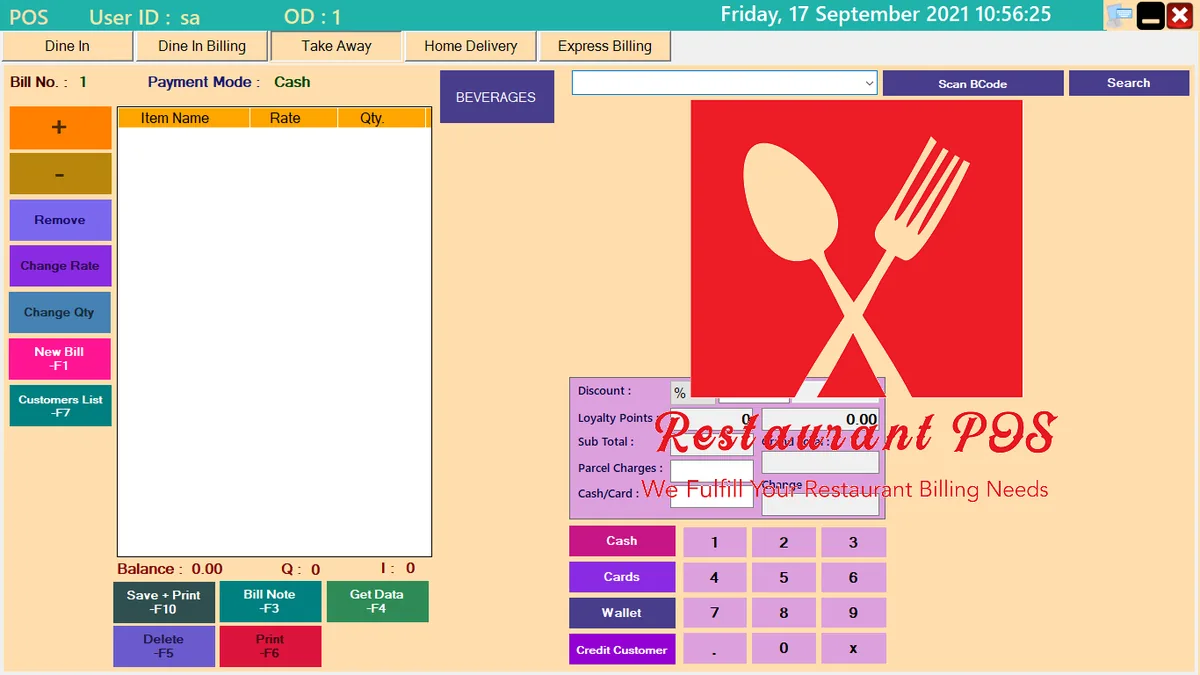
Take Away billing screen with barcode scan, parcel charges and payment modes

Take Away: quick counter billing

Search an item or scan its barcode, add it to the bill and take payment in a few taps.

  • Barcode scanning and item search
  • Parcel charges added to the bill
  • Change rate or quantity, remove items, add a bill note
  • On-screen number pad for payment and change
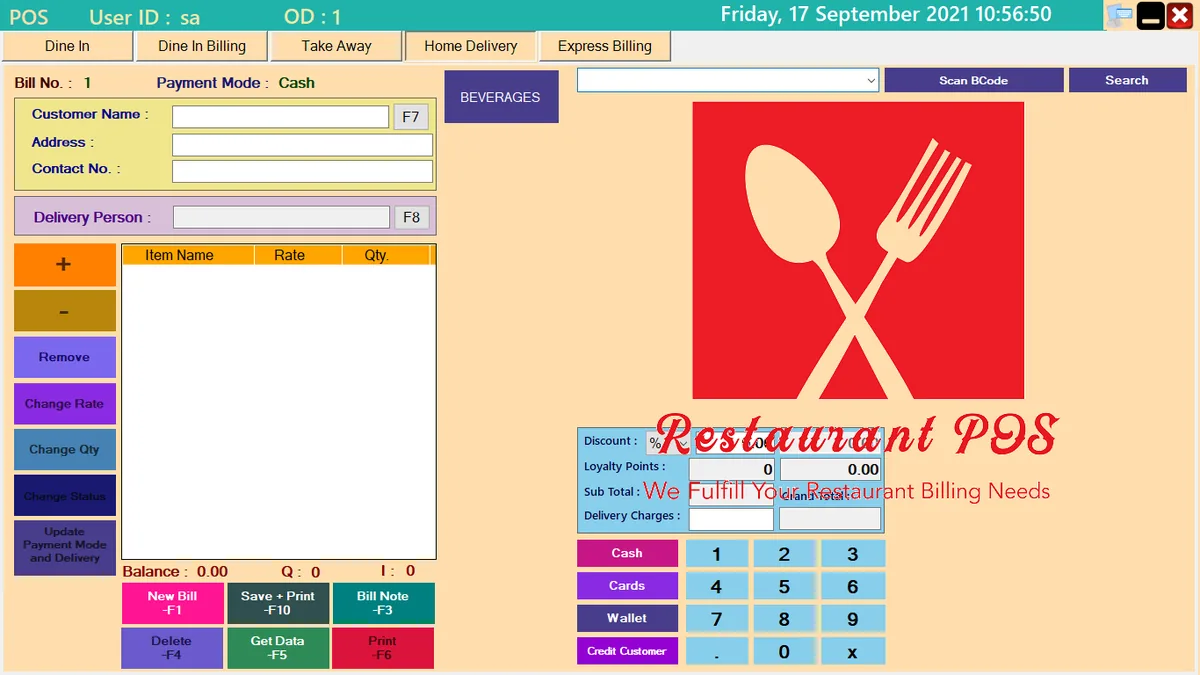
Home Delivery screen with customer address and delivery person

Home Delivery: customer, address and rider

Record who ordered, where it goes and who is delivering it, then bill it like any other order.

  • Customer name, address and contact number
  • Assign a delivery person
  • Delivery charges on the bill
  • Change delivery status and update payment mode later
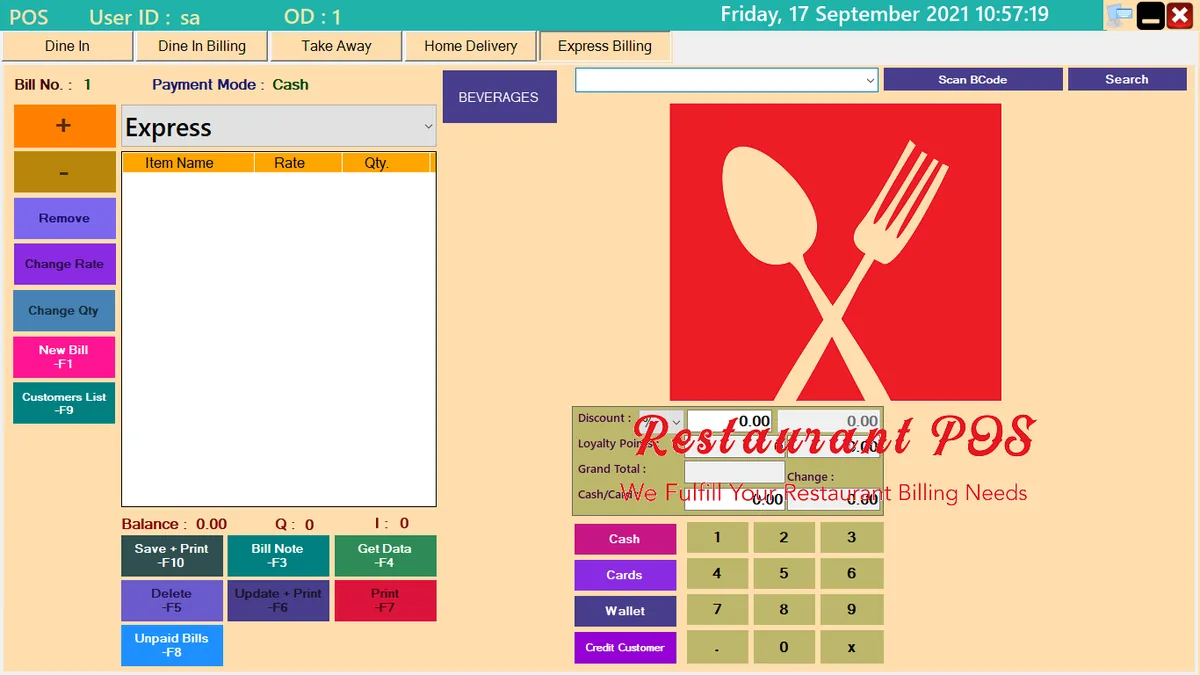
Express Billing screen for fast billing without a table

Express Billing: no table, no waiting

For fast sales where there is no table or ticket, bill the order straight away.

  • Quick billing with the same payment modes
  • Unpaid bills, update and print, and reprint
  • Customers list for repeat guests
  • Function-key shortcuts for busy hours
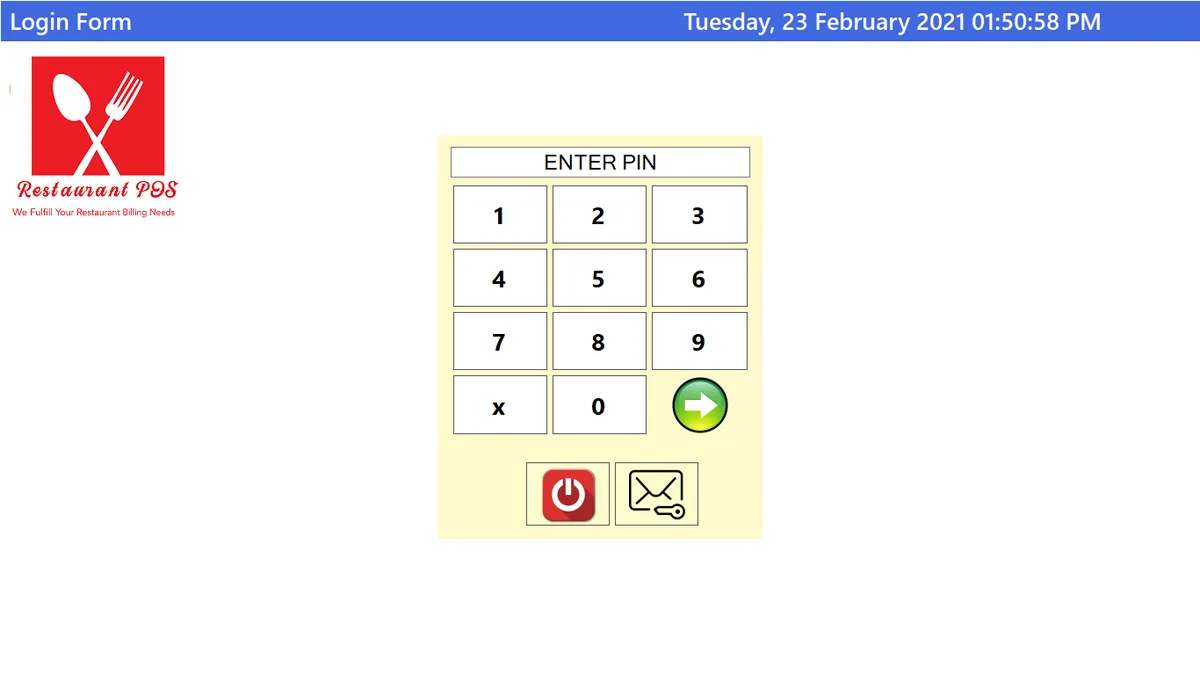
Restaurant POS PIN login screen with number pad

PIN login for every staff member

Staff sign in with a PIN on a touch keypad, so each bill and ticket belongs to a person.

  • Fast sign-in on touch screens
  • Unlimited users
  • Know who created which ticket or bill

Everything else included

Touch screen ready

Built for touch-screen billing counters, with large, colour-coded buttons.

Handheld terminal support

Take orders at the table on a handheld terminal.

Thermal printer support

Print tickets, KOTs and bills on thermal printers.

Unlimited users and tables

No cap on staff logins, tables or table screens.

Menu buttons with thumbnails

Colour-coded menu buttons with product pictures.

Unlimited menus

Keep separate menus for each department.

Unlimited price lists

Switch price lists, even at a set time of day, such as happy hour.

Partial settlement

Settle part of a ticket, or take payment by choosing items from it.

Flexible ticket design

Change how your tickets and bills look.

Reports on the ticket printer

Print reports straight from the ticket printer.

Kiosk style use

Run it as a self-serve style screen where it fits your outlet.

Works offline

The software runs on your own computer, so billing carries on without internet.

Why the KOT matters

A Kitchen Order Ticket (KOT) is the written order that goes from the service staff to the kitchen. It keeps both sides in step and avoids confusion at the pick-up counter.

If a table orders five times, five KOTs are created and the final bill is the total of all of them.

Frequently asked questions

Does the software need internet?

No. It is offline software that runs on your computer. We also provide online solutions if you need them.

Can I print KOTs on a thermal printer?

Yes. Thermal ticket printers are supported for KOTs, tickets and bills.

Is there a limit on users or tables?

No. Users, tables and table screens are unlimited.

Can I use different prices at different times?

Yes. You can keep several price lists and switch them at a set time of day.

WhatsApp Call